Nearpod Join: The Five-Letter Code Changing How Classrooms Actually Work
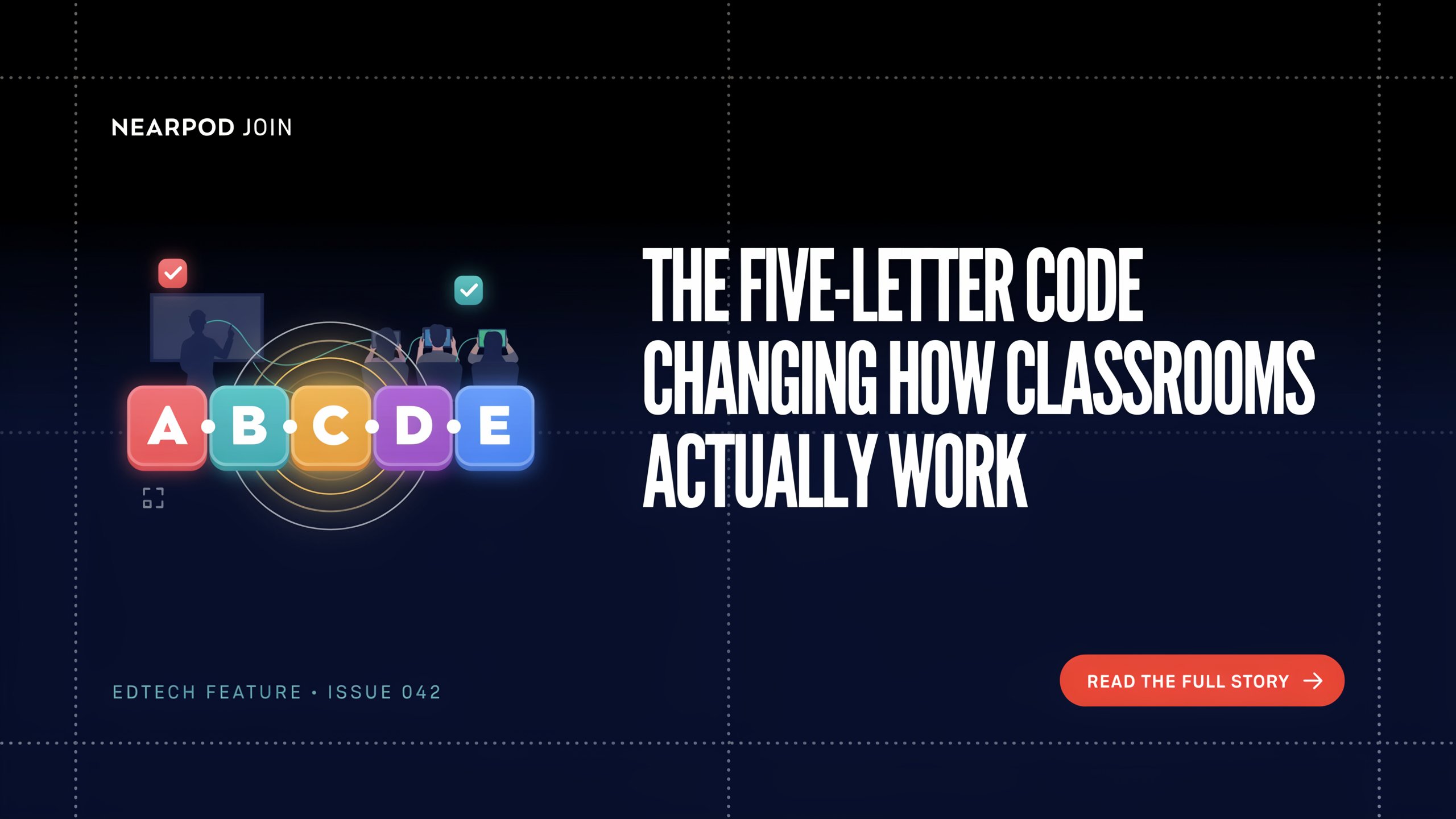
Picture this. A teacher writes five letters on the whiteboard. Twenty-something students pull out their phones or open their laptops. Within about thirty seconds, every single person in the room is looking at the same screen — and more importantly, every single person is about to do something.
That five-letter code is a Nearpod join code. And it’s a small thing that opens up something much bigger than it looks.
Key Facts
| Fact | Detail |
| Platform type | Interactive instructional delivery platform (K-12 focused) |
| Founded | 2012, by Guido Kovalskys, Felipe Sommer, Emiliano Abramzon |
| Headquarters | Dania Beach, Florida |
| Acquired by | Renaissance Learning, 2021 ($650 million) |
| How students join | Via 5-character code at join.nearpod.com, or app, or direct link |
| Account required for students? | No — students can join with just the code |
| Free version student limit | Up to 40 students per session |
| Paid versions | Gold, Platinum, and School/District licenses |
| Teaching modes | Live Participation, Student-Paced, Front of Class |
| Content library | Over 22,000 premade lessons, videos, and activities |
| Devices supported | Phones, tablets, laptops, Chromebooks — any browser |
| Key integrations | Google Classroom, Canvas, Schoology, Microsoft Teams |
| Privacy note | Common Sense Education gives it a “Warning” rating for adult user data practices |
Where the Idea Came From
Nearpod wasn’t born in a classroom. It actually started from a marketing experiment.
Three friends from Argentina — Guido Kovalskys, Felipe Sommer, and Emiliano Abramzon — were based in Miami in the early 2010s. They were trying to figure out how to synchronize multiple iOS devices for marketing campaigns. When they built the first prototype and showed it to a few teachers, something unexpected happened. The teachers didn’t care about marketing at all. They immediately said: this is for classrooms.
That pivot happened fast. By 2012, Nearpod launched as an educational platform. The timing was perfect — schools across the US were handing out iPads and Chromebooks at a record pace, and nobody had a great answer for what to actually do with all those devices. They were sitting on desks like expensive notebooks.
The founders believed that devices in classrooms had potential that nobody was using well. Not because the technology wasn’t good enough, but because there wasn’t a bridge between the teacher standing at the front and the student sitting at a desk with a glowing screen.
Nearpod built that bridge. And the join code was the door.
See also “How to Convert ml into oz: Everything You Actually Need to Know“
How Nearpod Join Actually Works
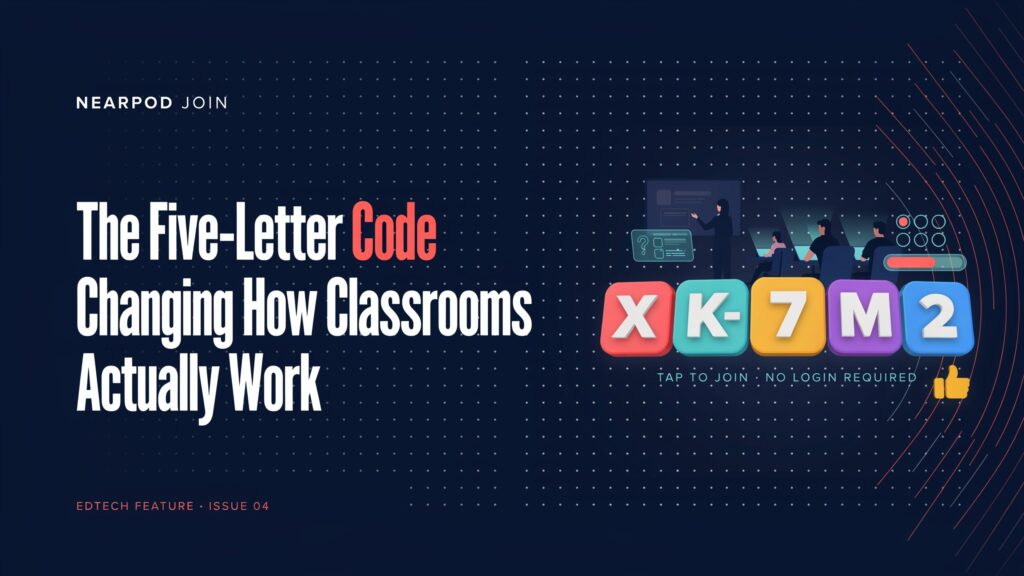
The moment a teacher launches a lesson on Nearpod, the system generates a unique five-character code for that session. It only works for that lesson, at that time. Think of it as a door key that exists just for that one room, on that one day.
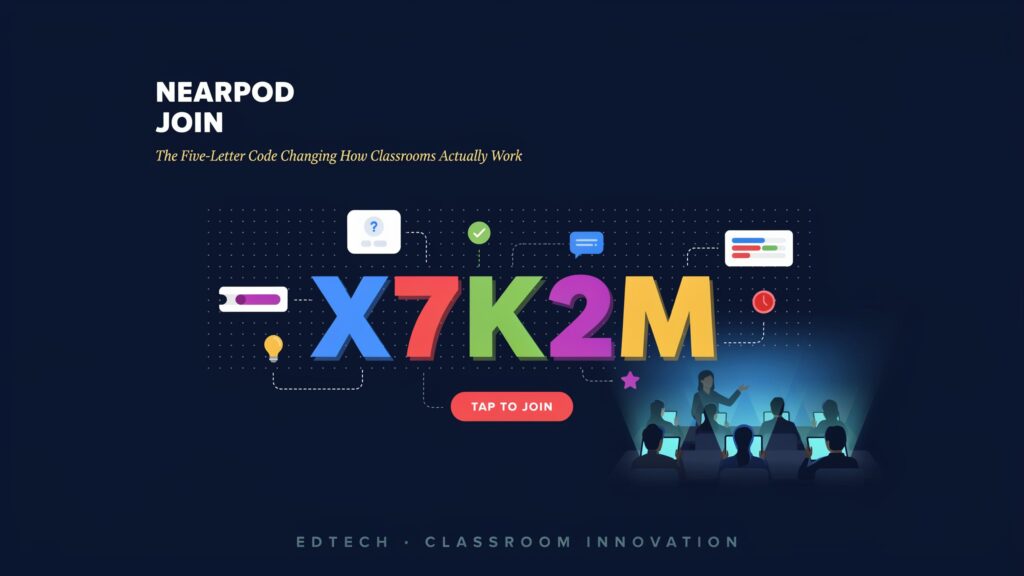
Students open a browser and go to join.nearpod.com, or open the Nearpod app. They type the code exactly — capitalisation usually doesn’t matter, but every letter has to be right. Then they type their name. And that’s it. They’re in.
No email. No password. No account setup. That’s genuinely remarkable for a classroom tool, especially for younger students or schools with limited tech support.
Once inside, the experience depends on which mode the teacher chose. In Live Participation mode, the teacher controls the pace. Students see the same slide as the teacher, and when an activity appears — a quiz, a drawing prompt, a poll — it pops up on every device at once. You have to respond. You can’t just sit there.
In Student-Paced mode, students move through the lesson on their own schedule. This works for homework, revision, independent study, or days when there’s a substitute teacher. Students can pause, re-read a slide, and take their time. The teacher still gets a full report on everything each student did.
There’s also a Front of Class mode, which doesn’t require student devices at all. The teacher plays an interactive video to the whole class, pausing at key moments to spark discussion. It’s almost old-school in feel — but the discussion moments are built into the lesson itself.
The Moment It Actually Changes Things
Here’s the thing that makes Nearpod feel different from a regular slideshow.
When an activity arrives on screen — say, a “Draw It” prompt where students have to sketch the water cycle — every student has to do it. Not just listen. Not just nod. Actually pick up their finger or stylus and draw. And the teacher can see all thirty drawings come in simultaneously, watching them appear in real time.
That real-time view is where teachers often say something shifts. You can spot immediately who got it and who didn’t. You don’t have to wait for the test on Friday. You don’t have to call on the three students who always raise their hands. Every student’s thinking becomes visible, right now, while it still matters.
The Maryland State Department of Education published a case study about a teacher named Suzanne who used Nearpod for reading intervention. She described how students made predictions on text, matched vocabulary, and ended with a quiz — all within one session. What struck her most was the immediate data. She knew in the moment what needed reteaching, without having to grade a stack of papers that evening.
That kind of immediate feedback loop changes the rhythm of teaching. It’s less about “deliver content, test later” and more about “teach, check understanding, adjust, continue.”
What the Research Actually Shows
Research on Nearpod is genuinely encouraging — though it’s worth being honest about where it comes from.
A 2022–23 study conducted to meet ESSA Level II evidence standards found that students whose teachers used Nearpod regularly scored higher on end-of-year state standardised tests in both math and English Language Arts. Students in grades 7 and 8 showed particularly strong results. The study also found a dose-response effect: the more frequently Nearpod was used, the better the scores tended to be.
A Springer Nature academic publication studied undergraduate ESL students in the UAE who used Nearpod during online classes. Students reported higher engagement, better understanding of material, and more enthusiasm — particularly about features like virtual tours and live polls.
Multiple studies published through IEEE and ResearchGate found similar patterns: students felt more engaged, participation increased, and teachers could respond to learning gaps in real time.
One thing to keep in mind: Nearpod itself has funded or facilitated several of these studies. It’s important to know, but that doesn’t mean they’re incorrect. Independent educators and schools have generally reported positive experiences — real teachers on Common Sense Education, Capterra, and G2 speak warmly about it. But the most honest interpretation is that Nearpod, like most good tools, works best in the hands of a thoughtful, motivated teacher. The tool doesn’t teach. The teacher does.
The Benefits That Actually Matter
For students, the core benefit is being impossible to ignore. When a question pops up on your screen and you have to answer before the class moves on, you’re engaged — even if you weren’t particularly trying to be. There’s also something freeing about anonymous sharing. When a teacher shows the class’s drawings or poll responses without names attached, good thinking gets celebrated without anyone feeling singled out.
For teachers, the most valuable thing might be the post-session report. After class, Nearpod generates a detailed breakdown of every student’s responses to every question. You can see at a glance which students missed the mark on a specific concept, and plan the next lesson accordingly. That kind of targeted data used to take hours of test-grading to produce.
For schools in underserved communities, the fact that students don’t need accounts — just a code — removes a meaningful barrier. No parental consent forms for app sign-ups, no forgotten passwords, no email addresses for young children to manage. The accessibility design was intentional from the start.
The Honest Downsides
No tool is perfect, and Nearpod has real limitations worth knowing about.
The biggest one is the cost wall. The free “Silver” version limits sessions to 40 students and restricts access to many features. Student-Paced mode, individual reports, and access to the full lesson library all require paid plans. For schools with tight budgets — which is most schools — that’s a genuine problem.
Internet dependency is another honest concern. Nearpod needs a stable connection. If the wi-fi goes down or a student’s device struggles, the lesson grinds to a halt. In schools where connectivity is patchy or device access is uneven, this matters a lot.
There’s also a privacy concern raised by Common Sense Media, which gave Nearpod a “Warning” rating. To be specific: the concern isn’t about student data being sold (Nearpod signs the Student Privacy Pledge and says clearly it doesn’t sell student data). The issue is around adult users — teachers — potentially being targeted by marketing. It’s a real concern, even if it doesn’t directly affect students.
Some teachers also note a learning curve that can be steep at first. Building lessons from scratch takes time. Getting comfortable with all the features takes weeks of regular use. And if a teacher uses Nearpod as a glorified slideshow — just showing content without using the interactive features — it delivers little benefit over PowerPoint.
There’s something else worth saying gently. Some students find Nearpod lessons feel structured and slightly repetitive after a while. The format is predictable. For every classroom moment where someone lights up because of a VR field trip to ancient Rome, there are other moments where students just… click through the quiz because they know it’s coming. No tool stays magical forever.
What Changed When Schools Went Remote
When the pandemic shut schools down in 2020, Nearpod found itself suddenly much more important than anyone expected.
The join code model — already designed to work across any device, anywhere — translated almost perfectly to remote learning. Students at home opened their browser, typed the code, and joined the same lesson as everyone else. Teachers could still see everyone’s responses. The feedback loop still worked.
Nearpod “really shined” during distance learning, according to a teacher who wrote on the Hooked on Innovation blog. For students with bandwidth issues, the Student-Paced mode lets them complete lessons asynchronously, then catch up on their own time. The data reports still captured their work.
Renaissance Learning purchased Nearpod in early 2021 for approximately $650 million — a valuation that reflected just how much the pandemic had highlighted the need for exactly what Nearpod offered. By that point, Nearpod was reaching classrooms in over 100 countries.
Ethical Questions Worth Thinking About
There are a few things about Nearpod’s model that deserve honest attention.
When every student’s answer is visible to the teacher in real time, it’s warm and supportive for learning. But it’s also a form of constant monitoring. Every response a student makes is logged. The teacher — and through them, the school or district — has a detailed record of how each student thinks and answers across weeks and months of lessons. For students in vulnerable situations, that visibility deserves thoughtful handling.
The data Nearpod collects on adults — particularly teachers — is used in ways the company is transparent about but that still include targeted advertising. That’s a fair trade-off to consider when selecting a free platform.
There’s also the broader question of whether any platform should hold so much power over how lessons happen. When Nearpod was acquired by Renaissance for $650 million, that’s not just a business story — it’s a reminder that the tools educators depend on are also commercial products with investors who need returns. That doesn’t make Nearpod bad. But it’s worth knowing.
Where This Is All Heading
Nearpod now uses AI to help teachers build lessons faster, generate quiz questions, and access AI literacy content built with Common Sense Education. Teachers can view a student’s Nearpod engagement metrics in addition to their reading and math scores because the platform links with Renaissance’s own assessment tools.
The company’s co-founders have moved on to new ventures — Emiliano Abramzon, for example, is now building a padel sports platform. But the product continues to grow, and it sits inside a much larger ecosystem now that Renaissance owns it.
The future of the join code itself is interesting to think about. As LMS platforms like Google Classroom become more deeply integrated with Nearpod, students may eventually click into a lesson directly from their class feed without typing any code at all. The friction is already decreasing. The join experience may eventually become invisible — and whether that’s better or just more seamless is a question worth sitting with.
For now, though, the five-character code does something kind of quietly remarkable. It puts every student in the same moment of a lesson at the same time, regardless of where they’re sitting or whether they would normally raise their hand.
That’s not a small thing.
FAQs
1. What is Nearpod Join?
It’s the process students use to enter a teacher’s lesson. A teacher launches a session and gets a five-character code. Students go to join.nearpod.com, type the code, enter a name, and they’re in — no account needed.
2. Do students need an account to join a Nearpod lesson?
No. Students only need to enter the join code and a display name to join any lesson. Creating a student account is optional and mostly used in schools with district-wide licenses that want to track progress over time.
3. Where do students type the Nearpod code?
Go to join.nearpod.com in any browser, or open the Nearpod app on a phone or tablet. There’s a box right on the screen for the code.
4. What is Student-Paced mode?
It’s a mode where students go through the lesson at their own speed, without the teacher controlling the pace. It’s useful for homework, catch-up work, or revision. Students get a code that’s valid for a set period.
5. What is Live Participation mode?
The teacher controls the lesson slide by slide, and all students move through it together. When an activity pops up, every student responds on their own device in real time.
6. Can students use phones to join Nearpod?
Yes. The Nearpod app is available for both iOS and Android. Students can also use any phone’s web browser at join.nearpod.com without downloading anything.
7. What happens when a Nearpod code doesn’t work?
Usually it means a typo, an expired code, or the session hasn’t been launched yet. Ask the teacher to confirm the code and that they’ve started the session. Sometimes refreshing the page helps.
8. Does the free version of Nearpod have limits?
Yes. The free plan allows up to 40 students per session and limits storage and access to some features including certain lesson library content and reporting tools. Schools often need to pay for full functionality.
9. Is Nearpod safe for young students?
Students can’t contact each other through Nearpod — they only see what the teacher shares and submit their own responses. Nearpod signs the Student Privacy Pledge and doesn’t sell student data. However, Common Sense Media has flagged some privacy concerns around adult user data, so it’s worth reviewing your school’s data policy.
10. How does a teacher get the join code?
When a teacher launches a lesson, the code appears automatically at the top of their screen. They share it by writing it on the board, pasting it in a chat, emailing it, or posting it through Google Classroom or another LMS.
11. Can a Nearpod lesson be used for homework?
Yes. Student-Paced mode is specifically designed for this. Students can start and stop the lesson at any time before the code expires, and teachers still get a full report on every response.
12. Does Nearpod work during video calls like Zoom or Google Meet?
Yes, and many teachers use it this way. The teacher shares their screen to show the lesson, while students join using the code on their own device and respond there. It’s one of the most popular uses during remote or hybrid teaching.
13. Can students see each other’s answers?
Only if the teacher chooses to share them. Teachers can project responses to the class — often with names hidden — to spark discussion. Students can’t see each other’s work directly; everything goes through the teacher’s view first.
14. How many students can join one Nearpod session?
Free accounts allow up to 40. Paid plans go higher — 75 for Gold, 90 for Platinum, and up to 250 for School and District licenses.
15. What should I do if the internet cuts out during a Nearpod lesson?
Try entering the code again after refreshing the page. If internet issues persist, the teacher can switch to Student-Paced mode (if they have a paid plan) so students can continue when connectivity returns, or revisit the lesson later.
Empowering curious minds to explore, learn, and think deeper with Fact Aura.