Does Google Meet Have a Time Limit? Everything You Actually Need to Know
Let me set the scene for you. An online meeting is currently underway. Things are going well — people are talking, ideas are flowing, someone just made a good point about the project. And then, without much ceremony, the screen goes dark. A little message pops up: Meeting ended. Everyone is suddenly staring at a blank screen.
If you’ve ever been in a free Google Meet call that hit the 60-minute wall, you know exactly how that feels. A little jarring. Maybe a little annoying.
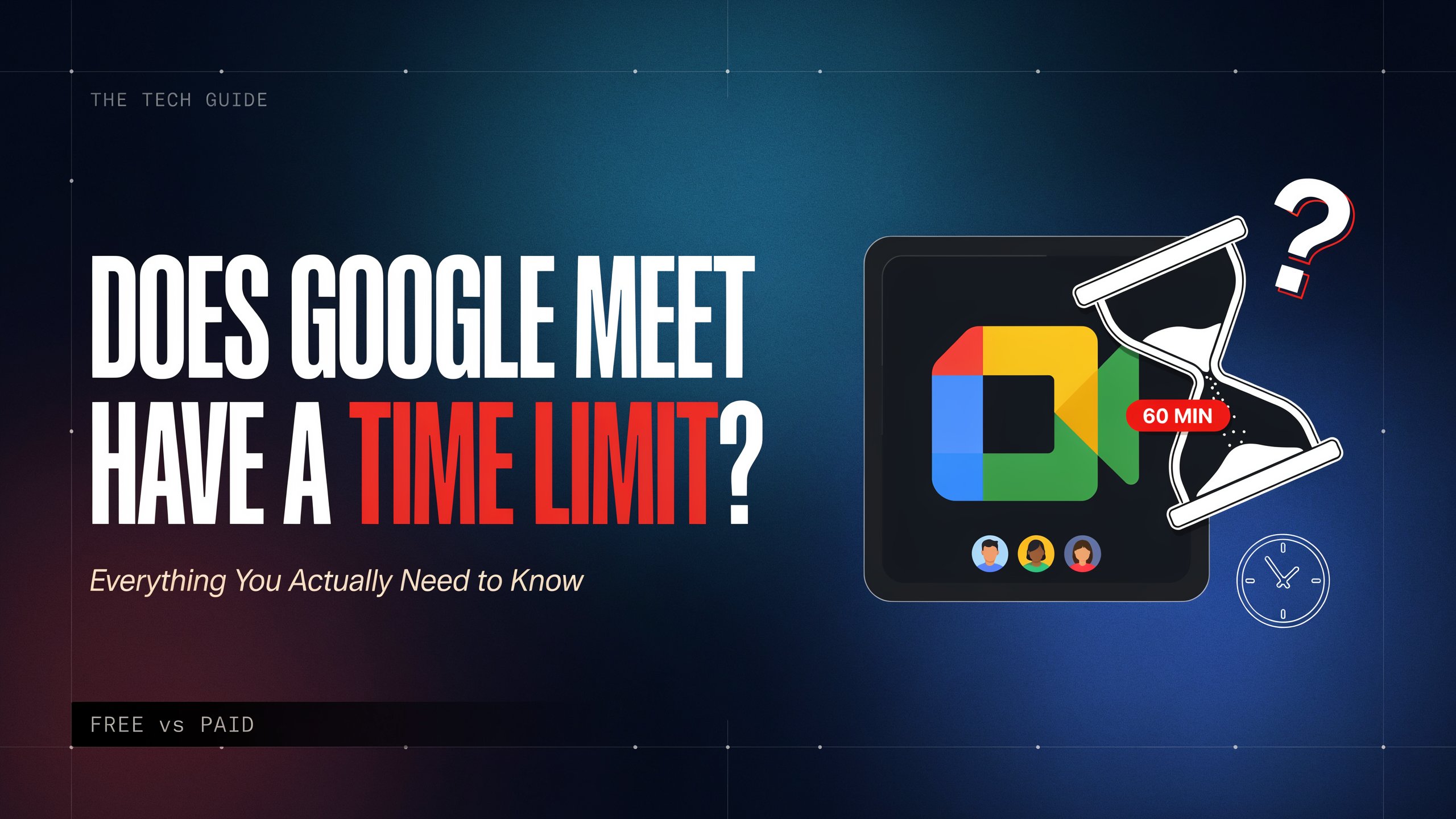
So yes — Google Meet does have a time limit. But the full story is more interesting than that simple answer, and it’s worth understanding properly if you use Meet for school, work, or anything in between.
Key Facts
| Topic | Detail |
| Free plan group call limit | 60 minutes (3 or more participants) |
| Free plan one-on-one limit | 24 hours (effectively unlimited) |
| Paid Workspace plan limit | 24 hours for all call types |
| Warning before cutoff | Notification at 55 minutes |
| What happens at 60 min | All participants disconnected automatically |
| Free participant cap | Up to 100 people |
| Paid plan participant cap | 100 to 500+ depending on tier |
| Education accounts | 24-hour limit (same as paid plans) |
| During COVID (Apr 2020–Jul 2021) | 60-minute limit was temporarily removed |
| Competitor comparison | Zoom free = 40 min; Teams free = 60 min |
How Google Meet Started
Google Meet wasn’t always the tool millions of people use today.
It launched quietly back in March 2017. At first it was invite-only, and honestly it flew under most people’s radar. It was designed for business teams — an enterprise-friendly alternative to the consumer app Google Hangouts. Not many regular folks were using it yet.
Then 2020 happened.
When the COVID-19 pandemic sent schools, offices, and families home almost overnight, video calling stopped being a nice option and became a lifeline. Google Meet’s usage shot up by a factor of 30 between January and April 2020. Suddenly 100 million people a day were using it. That’s not a typo.
To meet that moment, Google did something generous. It opened Meet up to everyone with a free Google account — and it removed the 60-minute group call limit entirely for free users. Schools could hold full school days on Meet. Friends could have long catch-ups. Families could gather virtually for hours. No timer, no cut-off.
That period lasted from April 2020 until around July 2021. Then Google brought the limit back.
That history is a big reason why people are still confused about this topic. If you used Meet heavily during the pandemic, you might genuinely remember having no time limit. You weren’t imagining it. It was real — just temporary.
See also “Can You Use a Vanilla Gift Card on Amazon? The Honest, Complete Answer“
What the Rules Are Right Now
Here’s where things stand today, and it’s pretty clean once you see it laid out.
If you have a regular, free Gmail account, group calls with three or more people have a 60-minute cap. When you hit 55 minutes, a notification pops up for everyone letting them know the call ends in five minutes. At exactly 60 minutes, the meeting closes and everyone is disconnected. There’s no “extend” button. No grace period. It just ends.
But here’s something that surprises a lot of people: one-on-one calls are totally different. If it’s just you and one other person on a free Google account, you can talk for up to 24 hours. For all practical purposes, that’s unlimited.
So the limit isn’t actually about being a free user generally — it’s specifically about group calls.
For anyone on a paid Google Workspace plan, group meetings can last up to 24 hours. For most human beings, that’s more than enough. Even the most intensive all-day sessions won’t come close to that ceiling.
Why Does the Limit Exist?
It’s worth thinking about this honestly, because there are two real reasons, and Google doesn’t exactly hide either of them.
The first is infrastructure. Running video calls for millions of people simultaneously takes enormous computing power, bandwidth, and server space. Unlimited free group calls for everyone on earth would cost a staggering amount of money to maintain. The 60-minute cap is partly Google managing its own resources sensibly.
The second reason is business. Google wants people to upgrade to Google Workspace. That’s where they make money. The time limit acts as what companies sometimes call a “freemium” trigger — you get enough of the service to see its value, and then at some point you hit a wall that makes you consider paying. Many teams have hit the 60-minute limit once or twice, immediately looked at Workspace pricing, and signed up that same day. The strategy works.
Neither of those reasons is cynical, exactly. Google is still offering a genuinely useful service for free. Sixty minutes covers a lot of meetings. But it helps to understand the mechanics so you can make good choices for your own situation.
The Moment the Meeting Ends: What Actually Happens
A lot of people wonder about the exact mechanics, so let’s walk through it.
You’re in a free group call. The 55-minute mark hits. A banner notification appears for every person in the meeting — not just the host, everyone. It says something like “This call will end in 5 minutes.” That’s your window.
At exactly 60 minutes, the call closes. Everyone gets a “Meeting ended” screen. The participants aren’t gone forever — they can still be contacted — but the meeting itself is done.
You can initiate a new meeting right away. The host can create a fresh link, drop it in a chat message or text, and everyone clicks to rejoin. It takes maybe 30 to 60 seconds for people to come back. Not perfectly smooth, but manageable if you plan for it.
One smart tip: before your meeting starts, drop a “Part 2” link in the chat just in case. That way if you need to restart, everyone already has the new link sitting there.
Who Gets the Longer Time by Default
There are a couple of groups that get the 24-hour limit without paying for a personal Workspace plan.
Students and teachers using Google Workspace for Education accounts — which schools often provide for free — get the same 24-hour limit that paid business accounts have. If your school district uses Google tools, there’s a good chance your school Google account already has this. It’s worth checking, because many students don’t realize they’re not limited to 60 minutes when they’re on their school account versus their personal one.
Nonprofits can also apply for Google Workspace for Nonprofits, which often comes at a heavily discounted price or even free, and includes the longer meeting limits. If you volunteer with or work for a nonprofit, this is something worth looking into.
Comparing Meet to Its Competitors
It’s natural to wonder how Google stacks up.
Group meetings with Zoom’s free plan can only last 40 minutes. That’s stricter than Meet’s 60. Microsoft Teams’ free tier matches Google at 60 minutes. So on this particular point, Google Meet actually lands in the middle — more generous than Zoom, even with its competitors.
That said, Zoom’s paid plans have been popular with educators and larger organizations for other reasons — breakout rooms have historically been better there, and some conference-style features feel more mature. The time limit is just one piece of a bigger picture.
How It Affected Real People
It’s easy to talk about limits in abstract terms. But the human reality is worth pausing on.
During the pandemic, schools that had shifted entirely online suddenly had their whole day running on Google Meet. When the 60-minute removal was in place, teachers could hold full class periods. Students could stay connected. When that limit came back in mid-2021, some schools scrambled. Not every district was on a paid Education plan. Some teachers had to structure their classes to fit within 55 minutes, leaving buffer time to restart if a session ran long.
Support groups, therapy groups, community organizations that had moved their gatherings online — some of them hit the wall too. A 60-minute grief support meeting that cuts out right when someone is sharing something personal is not a small inconvenience. It’s a genuinely difficult interruption.
For businesses, the limit creates a practical floor. If your team regularly needs 90-minute strategy sessions or 2-hour client workshops, you’re either restructuring your work around the limit or you’re paying for Workspace. For most organizations running on Google tools, paying for Workspace is worth it for a dozen reasons beyond just the time limit.
Some Honest Challenges With This Setup
The 60-minute limit is a fair policy in many ways, but there are some real frustrations attached to it.
The biggest one is the surprise factor. People who haven’t used Google Meet in a while, or who set up a meeting without thinking about their account type, can get caught off guard. The pandemic period left a lot of people thinking Meet was unlimited — and then when the limit came back, they found out the hard way, mid-meeting.
There’s also the issue of mixed participant types. If the host is on a free personal account but some participants are on paid Workspace accounts, the host’s account type is what matters. Everyone gets cut off if the host hits 60 minutes, regardless of what plan the participants are on.
And the restart process, while not terrible, breaks the flow. Anyone who has ever been in the middle of presenting something — a design, a report, a lesson plan — and had the call suddenly end knows that getting everyone back into the room takes time and focus that could have gone toward the actual work.
Ethical Questions Worth Thinking About
There’s a quiet tension in how Google manages this, and it’s worth naming honestly.
On one hand, the free plan is genuinely generous. You’re getting high-quality video conferencing at no cost. The 60-minute limit is a reasonable boundary for a free service.
On the other hand, during the pandemic Google saw exactly what the product could be without the limit. Millions of people used it to keep education running, maintain human connection, support mental health, and help communities stay together during a frightening time. Then, once the immediate crisis passed, the limit returned.
Some people feel that tools this important to how society functions — education, healthcare, community gathering — should have more generous free access as a baseline. That’s a fair perspective. Others point out that sustainable businesses can’t give unlimited resources away indefinitely. Both views have merit.
What seems clear is that the limit is felt most by the people who can least afford to pay: students on personal accounts, volunteers, small community organizations, people in lower-income countries where even affordable subscriptions feel expensive.
Final Words
Google hasn’t announced any changes to the time limit structure as of mid-2026. The freemium model seems stable.
What has changed is the overall richness of the free experience over time. Captions, noise cancellation, backgrounds, reactions — features that used to be paid-only have gradually appeared for free users. It’s possible that the time limit remains but other features continue to improve around it.
Google’s Education products will likely continue growing, which indirectly helps students and teachers regardless of what happens with the personal free tier.
And competition matters here. If Zoom or Microsoft Teams ever made a significant move on free group call time, Google would almost certainly respond. Competition is probably the most reliable pressure on this policy over the long term.
FAQs
1. Does Google Meet have a time limit?
Yes. Free accounts have a 60-minute limit for group calls with three or more people. Paid plans get 24 hours.
2. What happens when the 60 minutes runs out?
The call ends automatically and everyone is disconnected. You’ll get a warning at the 55-minute mark, but there’s no extension button.
3. Do one-on-one calls have a time limit on the free plan?
No, not really. Free one-on-one calls can last up to 24 hours, which is effectively unlimited for any normal conversation.
4. Can I extend a Google Meet past 60 minutes for free?
Not within the same session. However, you can cancel the call and start a new one right away using the same or a different link, allowing everyone to rejoin.
5. Did Google Meet ever have no time limit?
Yes. From April 2020 to July 2021, Google removed the 60-minute group call limit for free accounts to support people during the COVID-19 pandemic. The limit returned after that period.
6. How does Google Meet compare to Zoom’s free plan?
Group meetings with Zoom’s free plan can only last 40 minutes. Google is more generous on this point.
7. Do students and teachers have the 60-minute limit?
Not usually. Google Workspace for Education accounts get the 24-hour meeting limit, same as paid plans. Check if your school provides this account type.
8. What about nonprofits?
Nonprofits can apply for Google Workspace for Nonprofits, which often includes extended meeting limits at little or no cost. It’s worth applying if your organization qualifies.
9. Does the host’s plan type affect all participants?
Yes. The host’s account determines the time limit for the entire meeting. Even if participants are on paid plans, a free-plan host will still hit the 60-minute cutoff.
10. Is there a warning before the meeting ends?
Yes. At the 55-minute mark, all participants see a notification that the call will end in 5 minutes. It’s a small heads-up, but enough to prepare or plan a restart.
11. How many people can join a free Google Meet?
A free account can have up to 100 users. Paid plans increase this, up to 500 or more on higher Workspace tiers.
12. What extra features do paid plans unlock besides longer meetings?
Meeting recording to Google Drive, breakout rooms, noise cancellation, polls, attendance tracking, and higher participant limits, among others.
13. Can I record a Google Meet on the free plan?
No, built-in recording is a paid feature. Free users don’t have it, though third-party tools can sometimes fill the gap.
14. Is there a limit on how many Google Meet calls I can have in a day?
No. There’s no cap on the number of separate meetings. Only the duration of each group call is limited on the free plan.
15. What’s the cheapest way to remove the time limit?
The Google Workspace Business Starter plan removes the group call time limit and adds recording and other features. Google also offers a 14-day free trial, which is useful if you have a one-time long event coming up.
Empowering curious minds to explore, learn, and think deeper with Fact Aura.